
Documentation
Step-by-step guides with screenshots to help you get the most out of the Care Management System. Choose your role below to get started.
Quick Start
New to the platform? Start by creating an account, then follow the guide for your role. Provider admins should begin with the Provider Guide, while support workers invited by their provider can follow the Support Worker Guide.
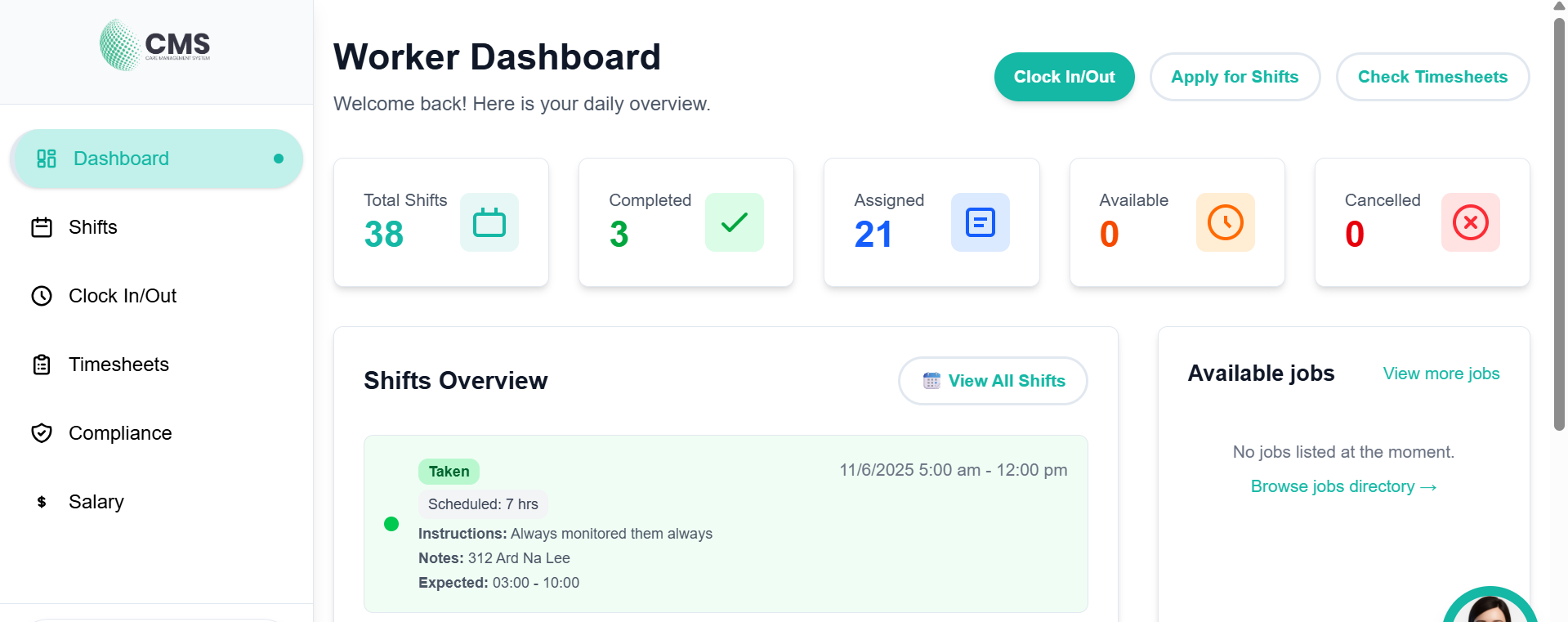
Everything you need to know as a support worker — from logging in and viewing shifts, to clocking in/out, managing timesheets, compliance documents, and your profile.
- Dashboard & shift statistics
- Clock in/out with GPS
- Timesheets & salary
- Compliance document management
- Shift schedule & details
- Profile management
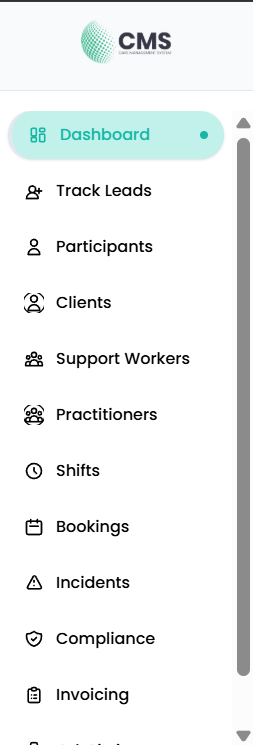
Complete guide for provider administrators — manage participants, clients, support workers, shifts, bookings, invoicing, compliance, and organisation settings.
- Participant & client management
- Support worker management
- Shifts & scheduling
- Bookings & availability
- Invoicing & billing
- Compliance & audit readiness
Understanding User Roles
Provider / Admin
Full access to all participant, client, worker, shift, billing, and compliance features.
Support Worker
Access to assigned shifts, clock in/out, timesheets, compliance, and salary information.
Practitioner
Access to availability, bookings, timesheets, compliance, and salary information.